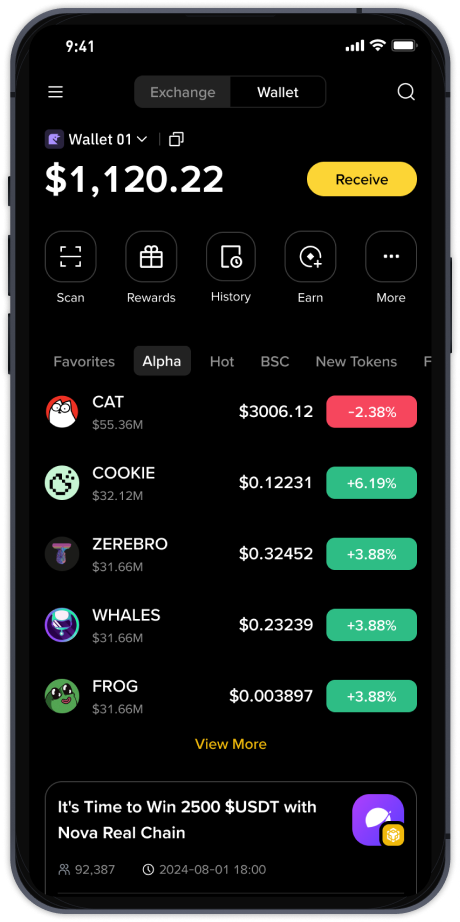
How to Use Binance for the Shiba Inu (SHIB) Token Listing: A Complete Practical Guide
The recent listing of Shiba Inu (SHIB), often colloquially referred to as "柴狗币" in Chinese markets, on the Binance exchange has generated significant interest among cryptocurrency traders. For those looking to understand how to use Binance specifically for this token, the process involves several clear steps. First, ensure you have a verified Binance account. This requires completing the Know Your Customer (KYC) process, which involves submitting a government-issued ID and a selfie. Without verification, you cannot deposit, trade, or withdraw SHIB.
Once your account is active, the next step is to fund it. You can deposit either fiat currency (such as USD, EUR, or GBP) via bank transfer, credit card, or peer-to-peer trading, or you can deposit other cryptocurrencies like Bitcoin (BTC) or Ethereum (ETH) into your wallet. For SHIB specifically, the most efficient method is often to deposit USDT (Tether) or deposit ETH, as SHIB is most commonly traded against these pairs on Binance. Navigate to the "Wallet" section, select "Deposit," and choose your preferred asset to fund your spot wallet.
To locate the SHIB trading pair, you can search "SHIB" in the search bar at the top of the Binance homepage. The most active trading pairs are typically SHIB/USDT and SHIB/ETH. Click on the pair to enter the trading interface. For beginners, the "Convert" feature on Binance is the simplest method. This tool allows you to instantly swap one cryptocurrency for SHIB at the current market price without placing a limit order. However, using a standard "Limit Order" or "Market Order" on the Spot trading page offers more control over your entry price. A Market order executes immediately at the best available price, while a Limit order allows you to set a specific price at which you wish to buy.
After your purchase is complete, security is paramount. For long-term holding, it is strongly recommended to transfer your SHIB tokens from the Binance exchange wallet to a private wallet such as Metamask, Ledger, or Trezor. This withdrawal step is crucial because it removes your coins from the exchange platform, protecting them from potential exchange hacks or downtime. To do this, go to "Wallet," then "Withdraw," select SHIB, and paste your private wallet address. Always double-check the network (SHIB operates on the Ethereum blockchain, using the ERC-20 network) to ensure you do not lose your funds.
Finally, be aware of the associated costs. Binance charges a small trading fee (typically 0.1% per trade, which can be reduced by using BNB to pay fees) and a withdrawal fee for SHIB. Also, Ethereum gas fees for SHIB withdrawals can be volatile, often ranging from $5 to $20 depending on network congestion. By understanding the funding, trading, and withdrawal lifecycle, you can effectively use Binance to manage your SHIB position safely and efficiently.